D. J. Hacker — photographer and teacher
I make photographs, teach the software behind them, and help people turn their work into books.
I’ve been photographing since 2005 and working in Photoshop since 1990. For ten years, I’ve taught those skills one to one: photography, the craft of making a picture, the design software, and the Mac or Windows computer it runs on. I bring the eye of a photographer and the patience of a teacher.
Photographs, across two decades of looking
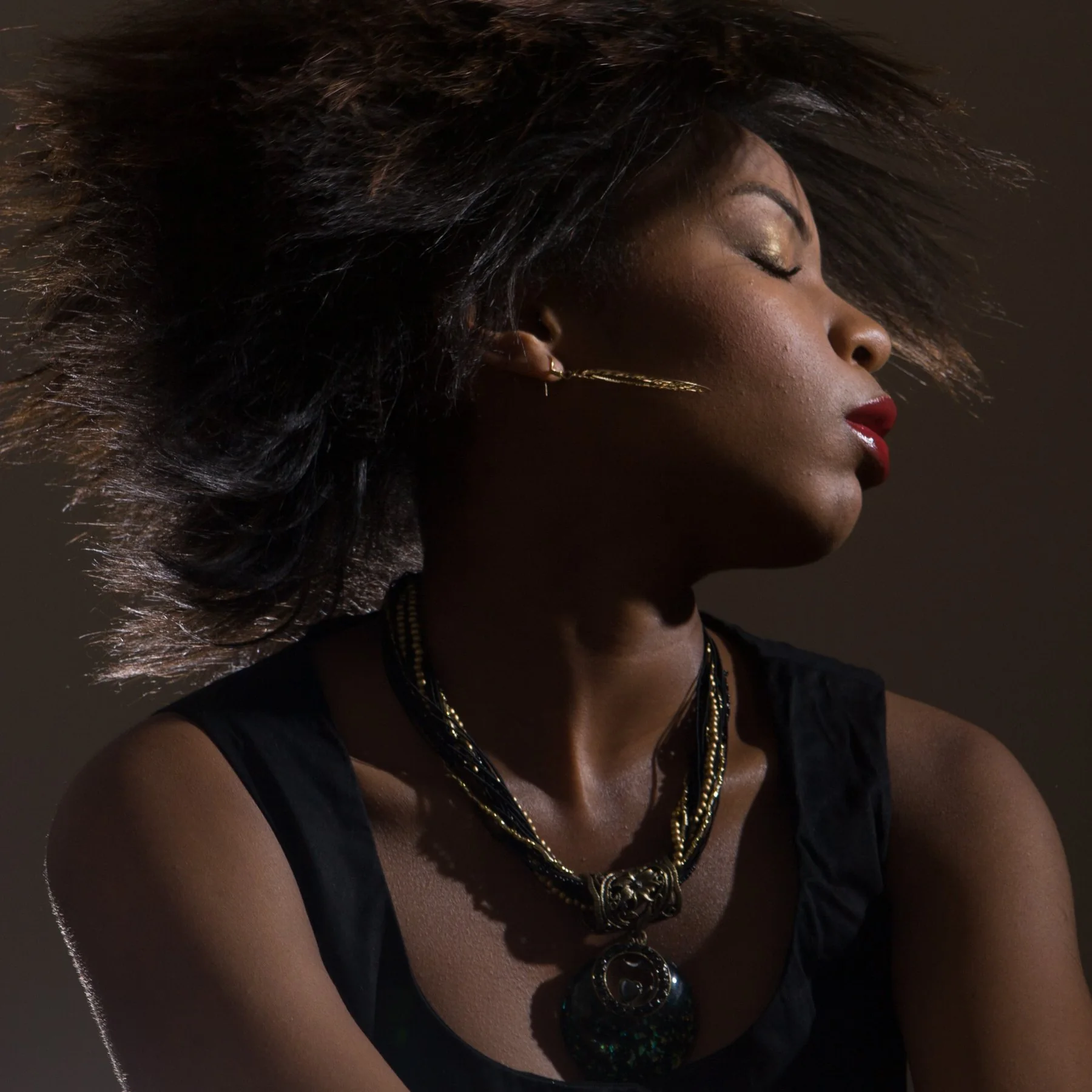
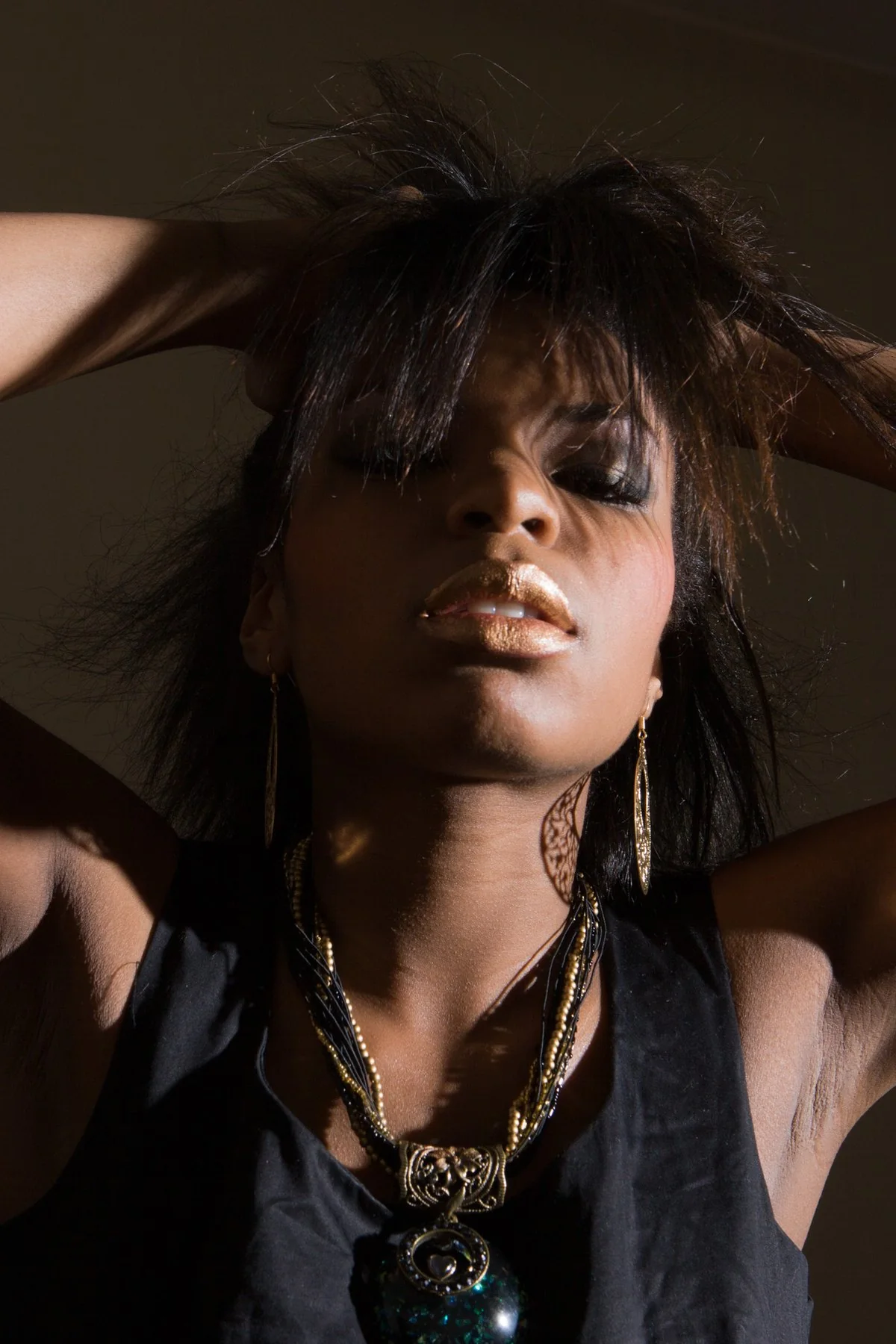
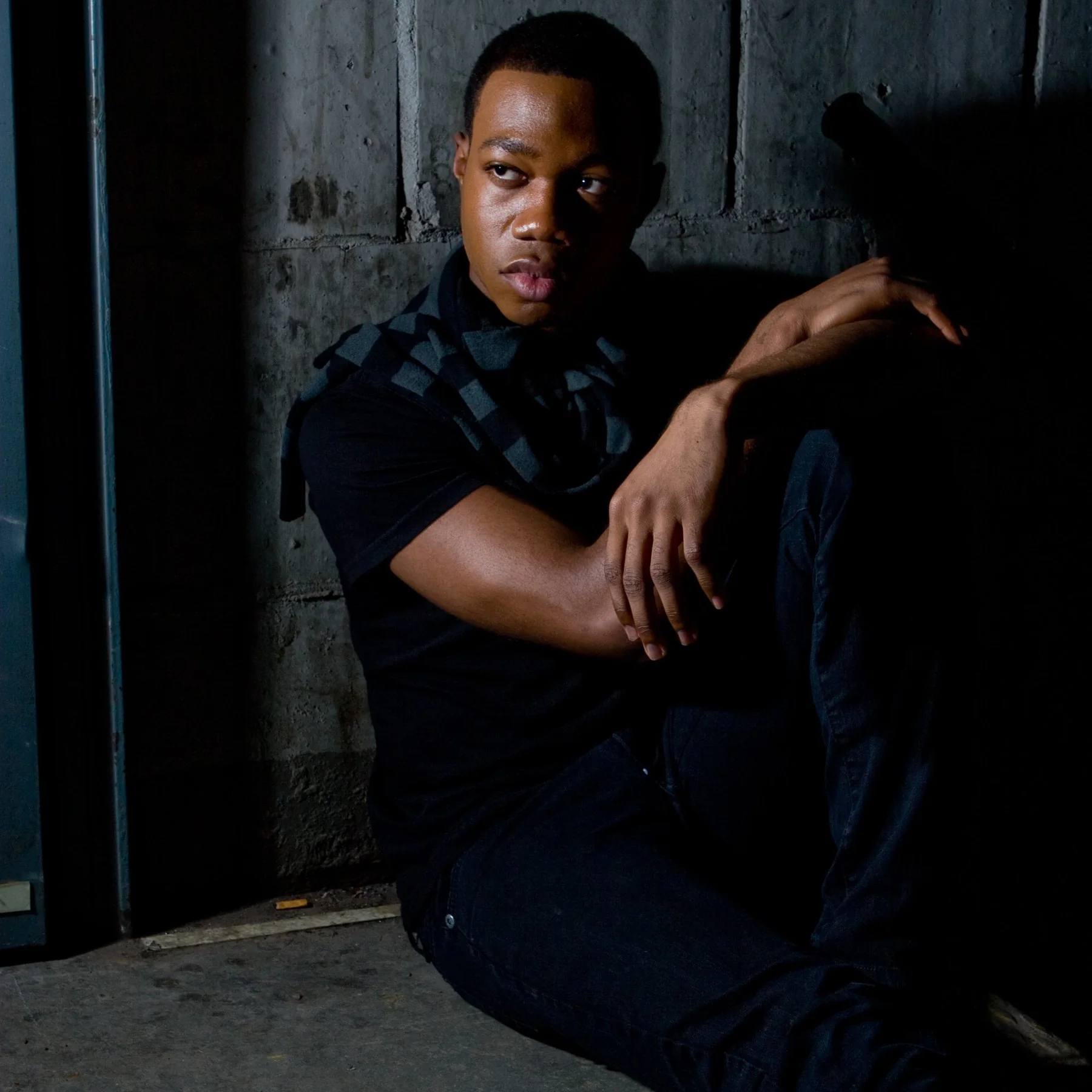
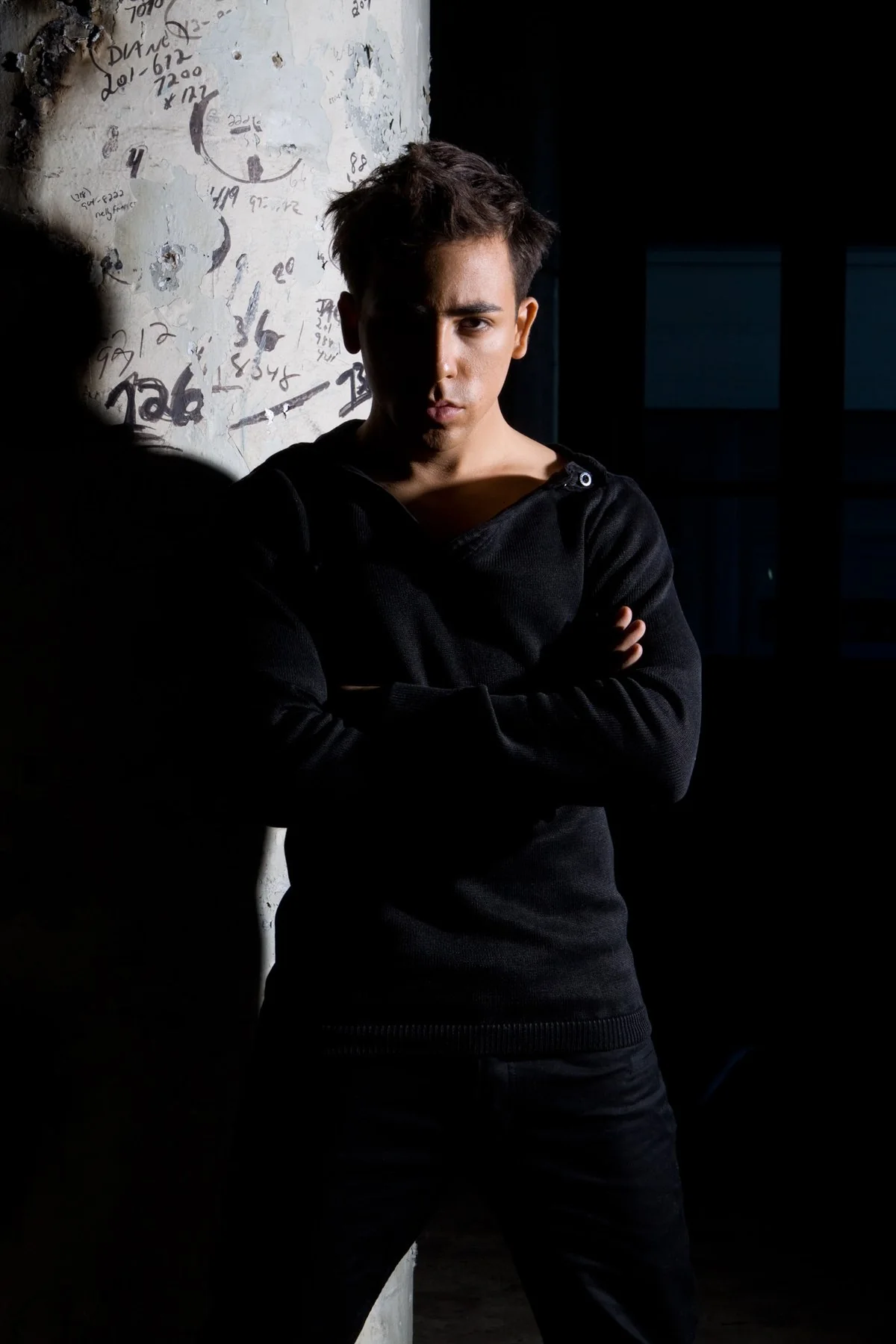
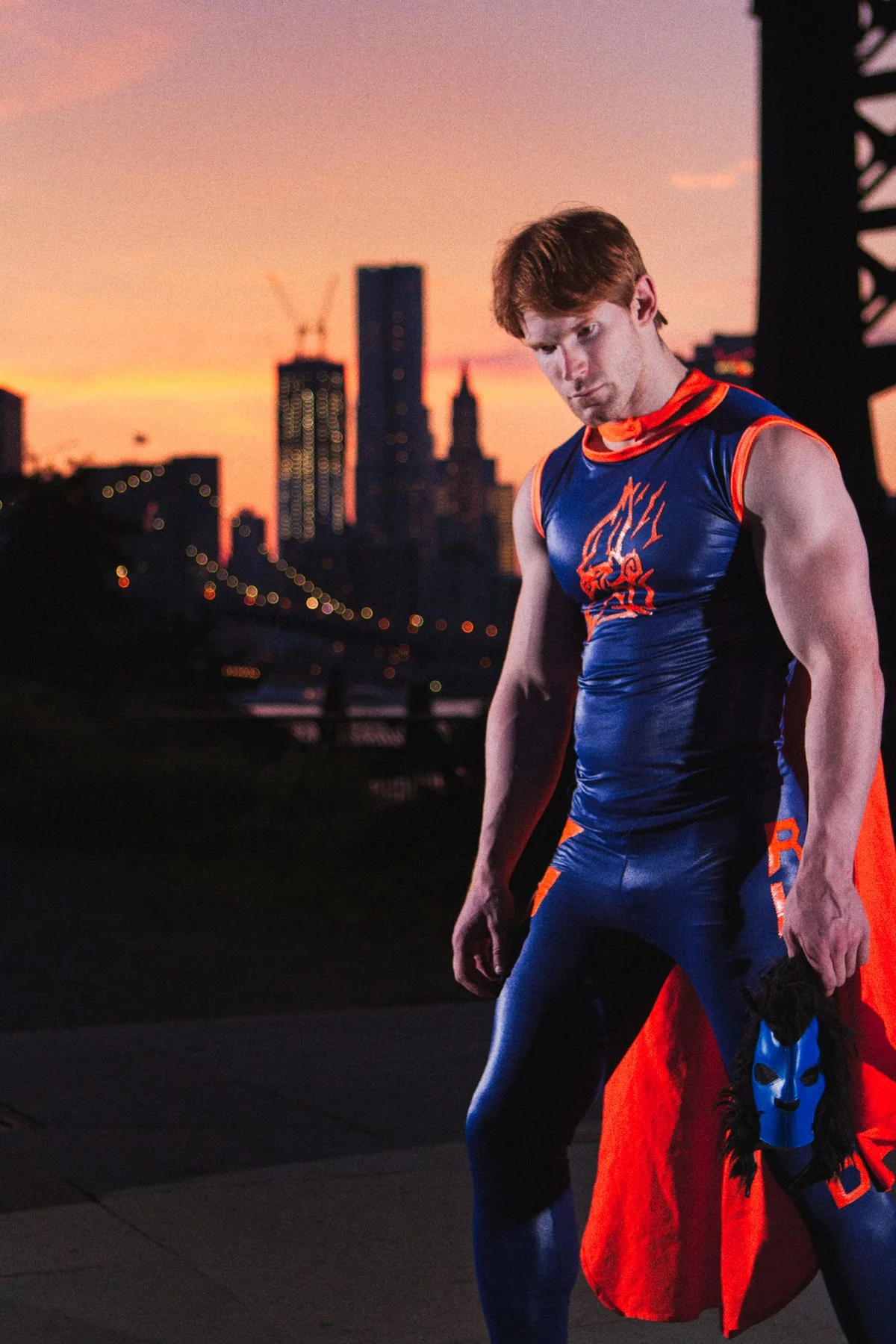
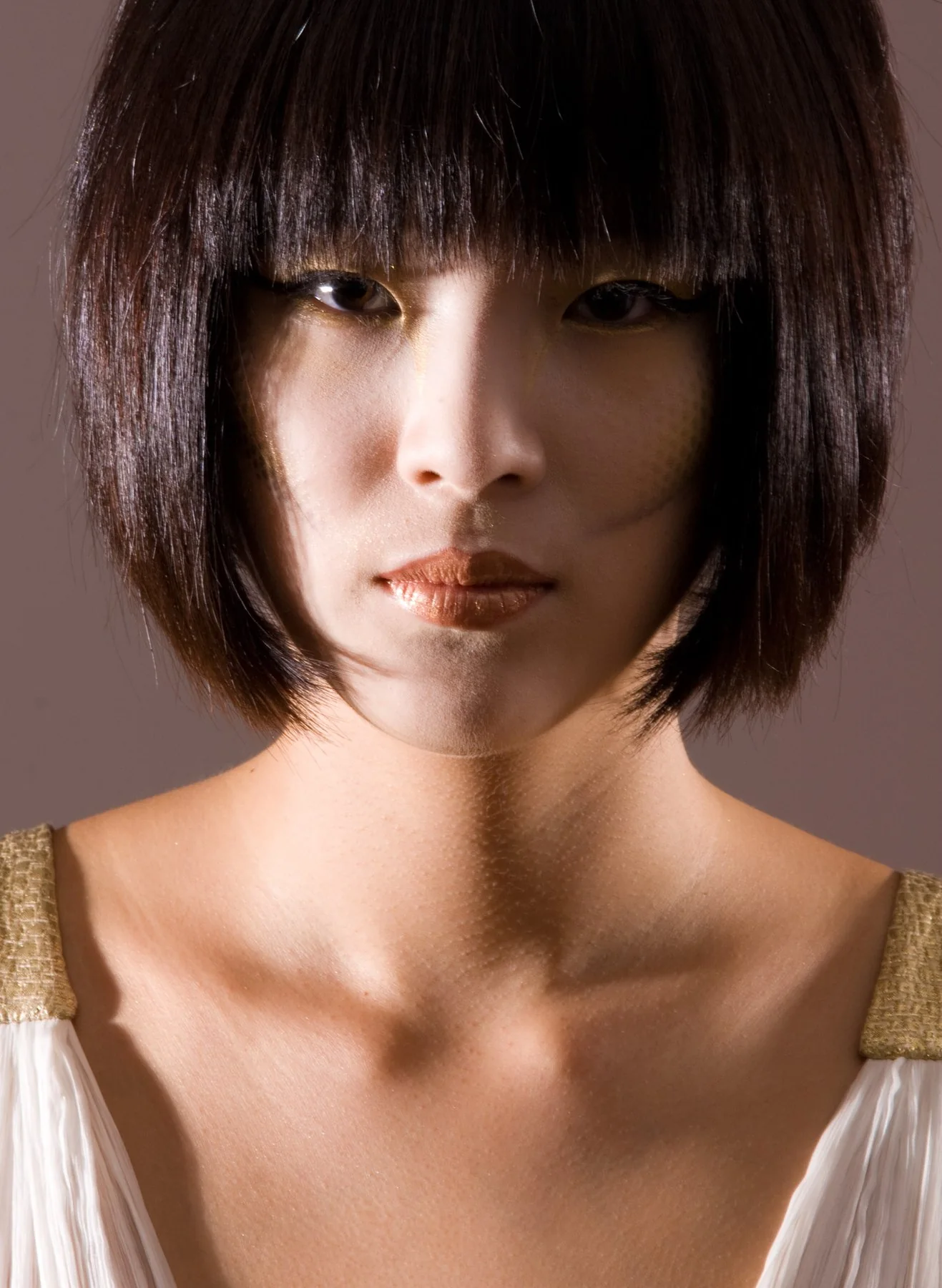
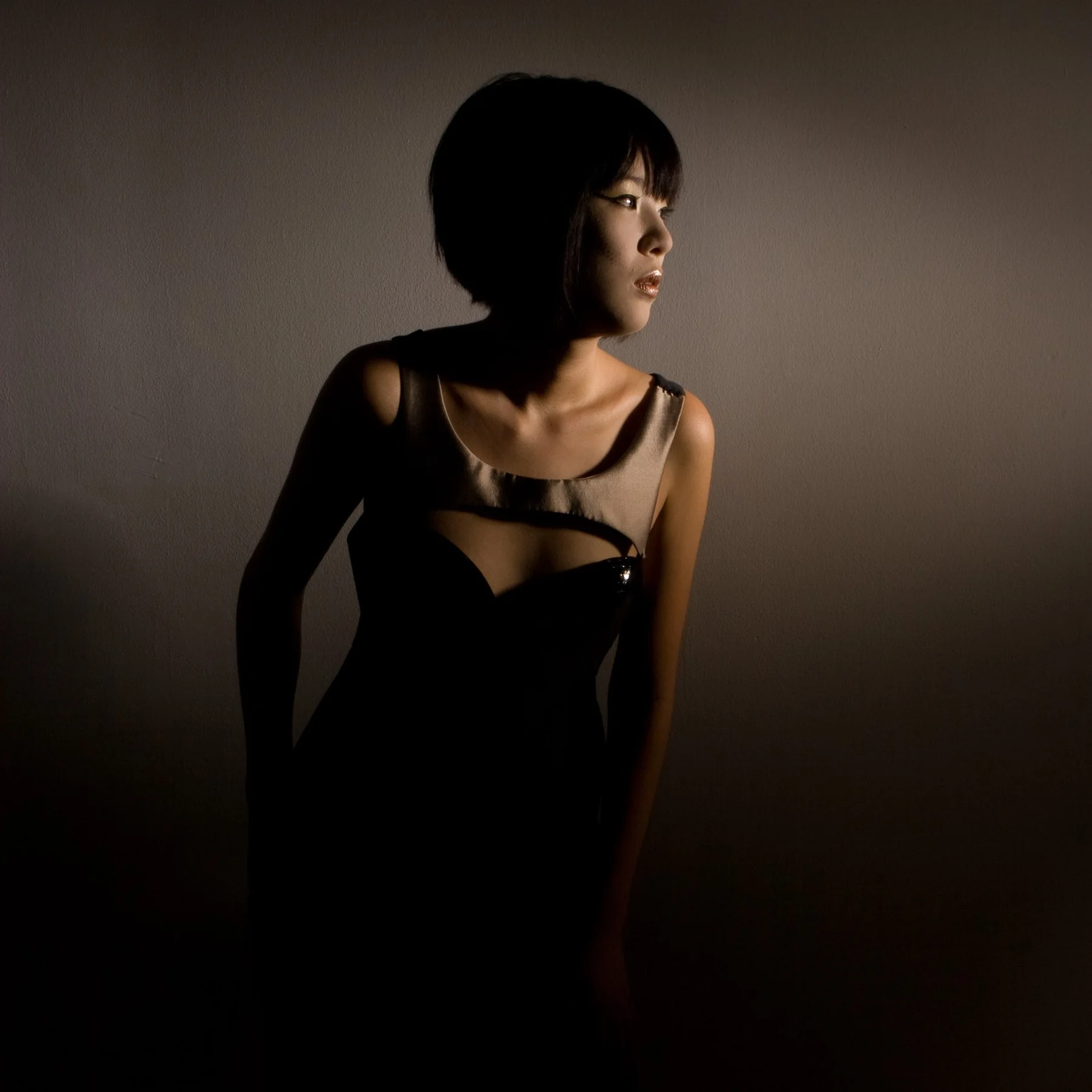
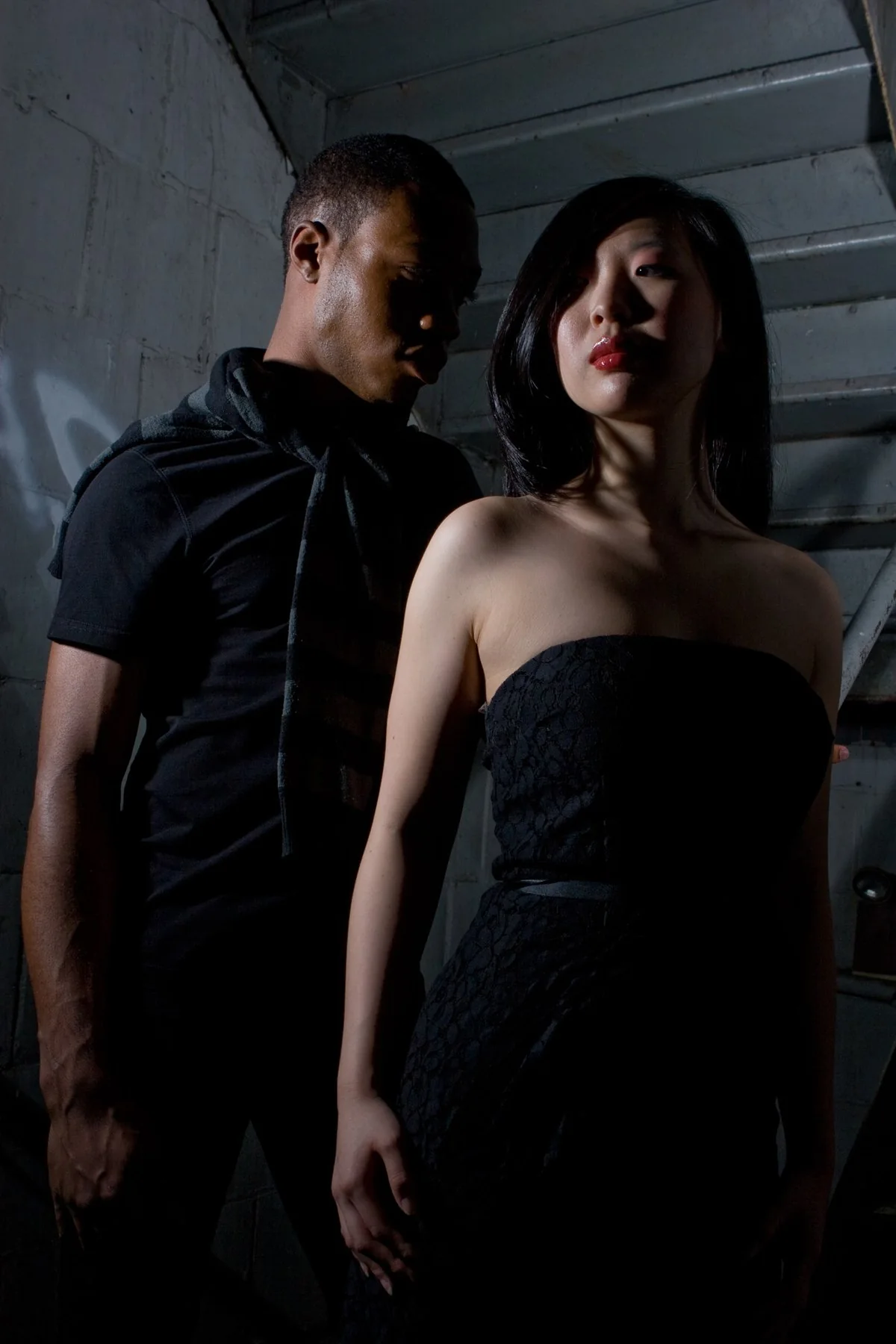
Live music, portraits, fashion and food photography, photographed and finished by me.
Four ways to work together
You may be looking for a photographer, a one-to-one tutor, help bringing a book to print, or a thoughtfully drawn logo. Choose the service that fits what you have in mind.
Commission a shoot
Live music, portraits, fashion and food, photographed and carefully finished. You receive polished, ready-to-use images.
See the workLearn the craft and the tools
One-to-one instruction in film and digital photography, Lightroom Classic, Photoshop, InDesign and Illustrator, along with the Mac or PC you use.
See how tutoring worksMake your book
Design, layout and prepress for authors, artists and small presses. From manuscript to a carefully prepared file that meets your printer’s specifications.
See how a book gets madeLogo and identity
Logos, lettering and vector artwork, created in Illustrator, which I’ve used since 1987. Often a focused project with a clear brief and scope.
Ask about a logoTen years of teaching, and it’s still the best part of the week
Learn on your own files and your own computer, Mac or Windows, at a pace that suits you. We can solve a specific problem or build a reliable workflow from the ground up.
Lightroom Classic, since 2007. Import, cull, edit, and a catalogue that stops becoming chaos.
Photoshop, since 1990. Selections, masking and retouching that hold up to a second look.
InDesign. Page layout for print: text, grids and styles that stay put.
Illustrator, since 1987. Vector work: logos, lettering and shapes that scale without breaking.
Your own Mac or PC. Setup, file management, backups, and the settings nobody ever explained.
Your camera, film or digital. Exposure, focus, metering and manual mode, so the camera does what you intend.
Composition. Framing, timing and seeing, and how to know which frame is the one.
Light. Window light, flash and simple studio setups, and shooting in low light, from a dim room to a concert stage.
What actually happens when you book
No fixed syllabus or generic course. We focus on what you need, so you can repeat the process confidently on your own.
Tell me what’s stuck. A message about what you’re trying to do and where it stalls. Then a five or ten minute call to check it’s a good fit, before anything is scheduled.
We work on your own files. You bring your files, your machine or your camera, and we work on the real thing. Nothing generic, and nothing you’ll never use again. If you’d like a record of the session, I can use a smart recorder.
You keep a record. On request I record our conversation with a Plaud smart recorder and send you the generated summary and notes, so you can repeat the steps on your own. I don’t record your screen, but you’re welcome to.
What people say after a session or two
5.0 from 586 ratings and 1,591 hours of lessons on Wyzant, where every one of these reviews was left. Read all reviews on Wyzant.
“A lifetime of images (~100,000) from my camera, iPhone, videos, and emails were a total mess and I couldn’t find anything. DJ has been incredible about helping me to bring order out of chaos by migrating all of the images into Lightroom and creating a file structure that will serve me going forward.”
Ann, 7 lessons, Wyzant review
“DJ did a great job helping me de-tangle my Lightroom catalog without making me feel stupid for the mess that it was. He also showed me new and different ways to do things.”
Shannon, 2 lessons, Wyzant review
“DJ came to my house, he traveled 1 hour. I am a professional photographer. I needed to have some lessons about Lightroom and Canon before I switch my camera and software. DJ is super nice, super professional, I learned what I needed to know.”
Raya, 1 lesson, Wyzant review
From scattered files to a book on the shelf
InDesign layout, image preparation, cover design and prepress—the details that help ensure the printer can produce the book as intended. I’ve been in these programs since the late eighties and teaching them for ten years. I can do it with you, or for you.
Sequence and structure. Deciding the order, and which pictures earn a spread.
Layout and typography. Grids, styles and text that hold together across 200 pages.
Image preparation. Profiles, sharpening and file sizes that survive print.
Cover and prepress. Bleed, marks and the printer’s spec, checked before they ever see it.
The things people ask before they book
If yours isn’t here, send it over. It’s usually a short answer.
Tell me what you’re working on
A shoot, a lesson, a book, or a question about which one you need. Based in Queens, I work in person throughout New York City, Nassau, Westchester and northern New Jersey, with additional travel by arrangement. Online sessions are available worldwide.
Photography
Live music, portraits, fashion and food photography, photographed and finished by me.
Faces
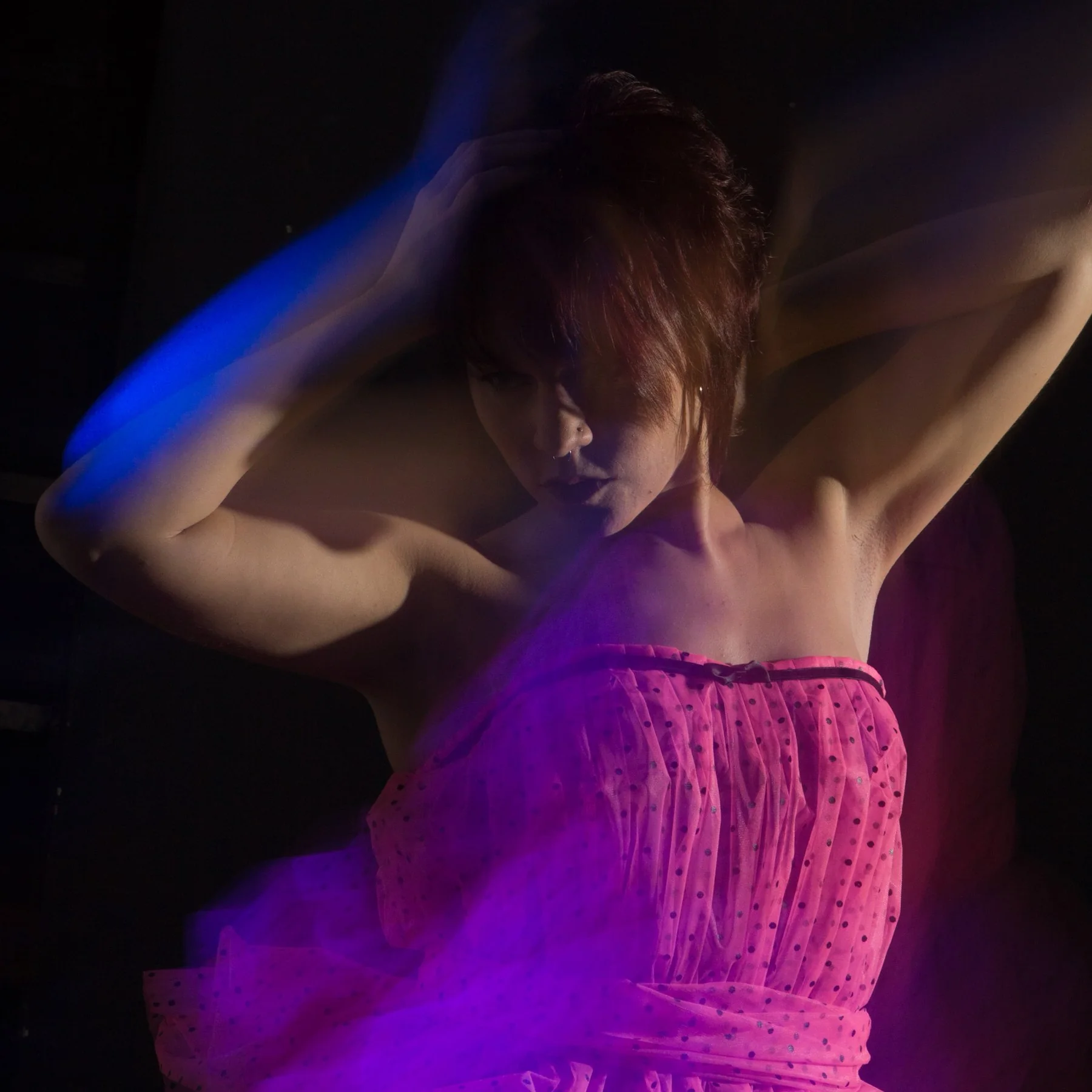
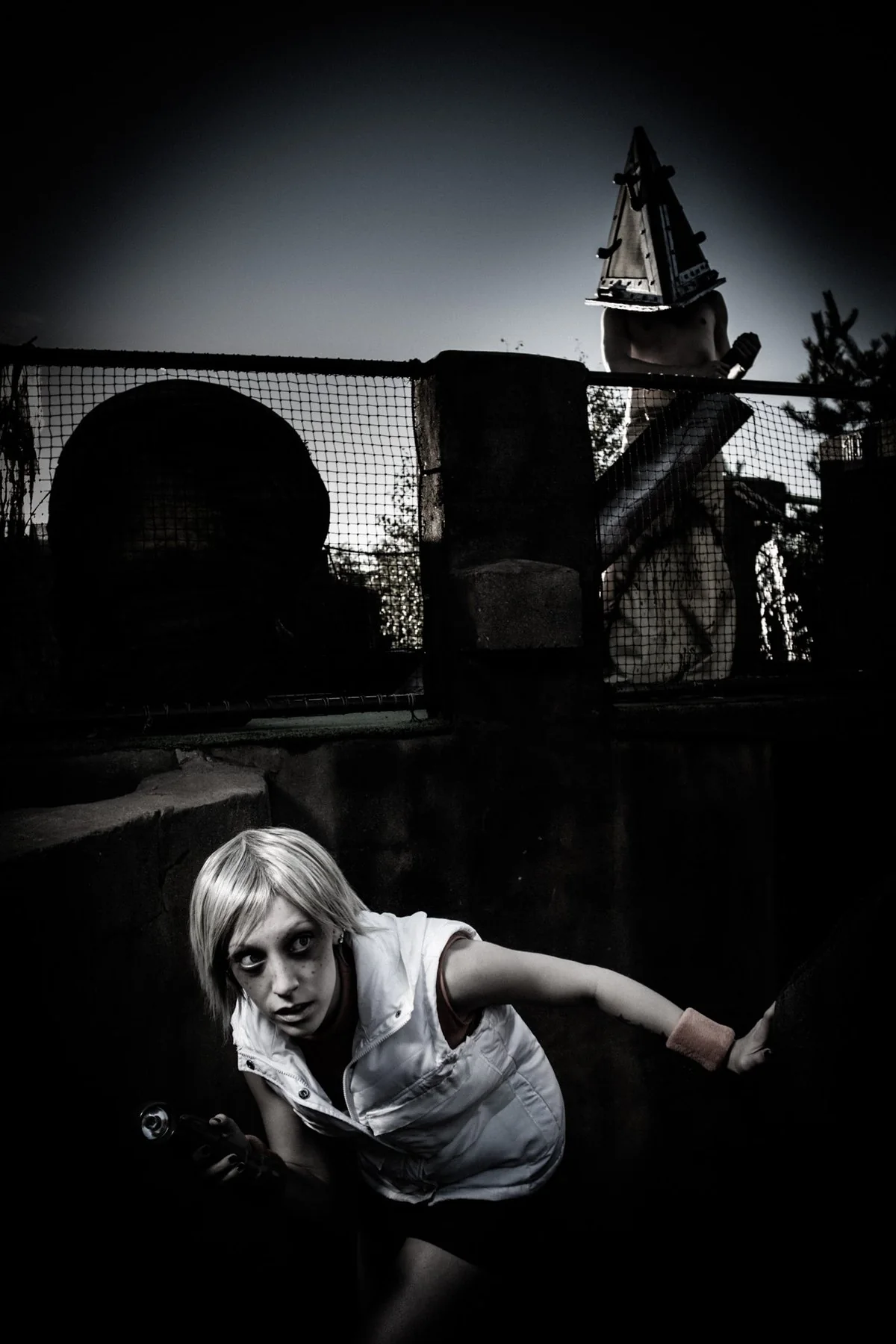
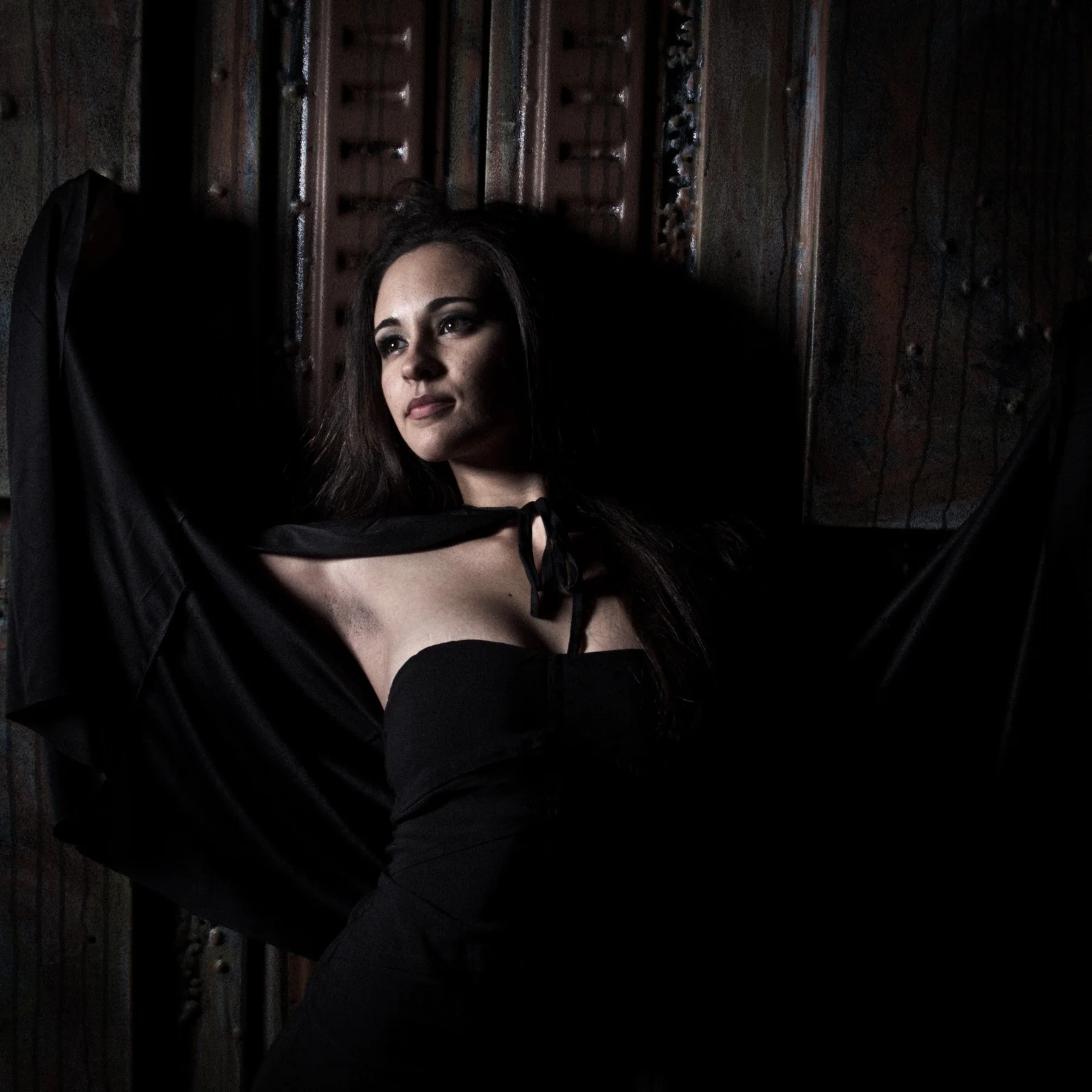
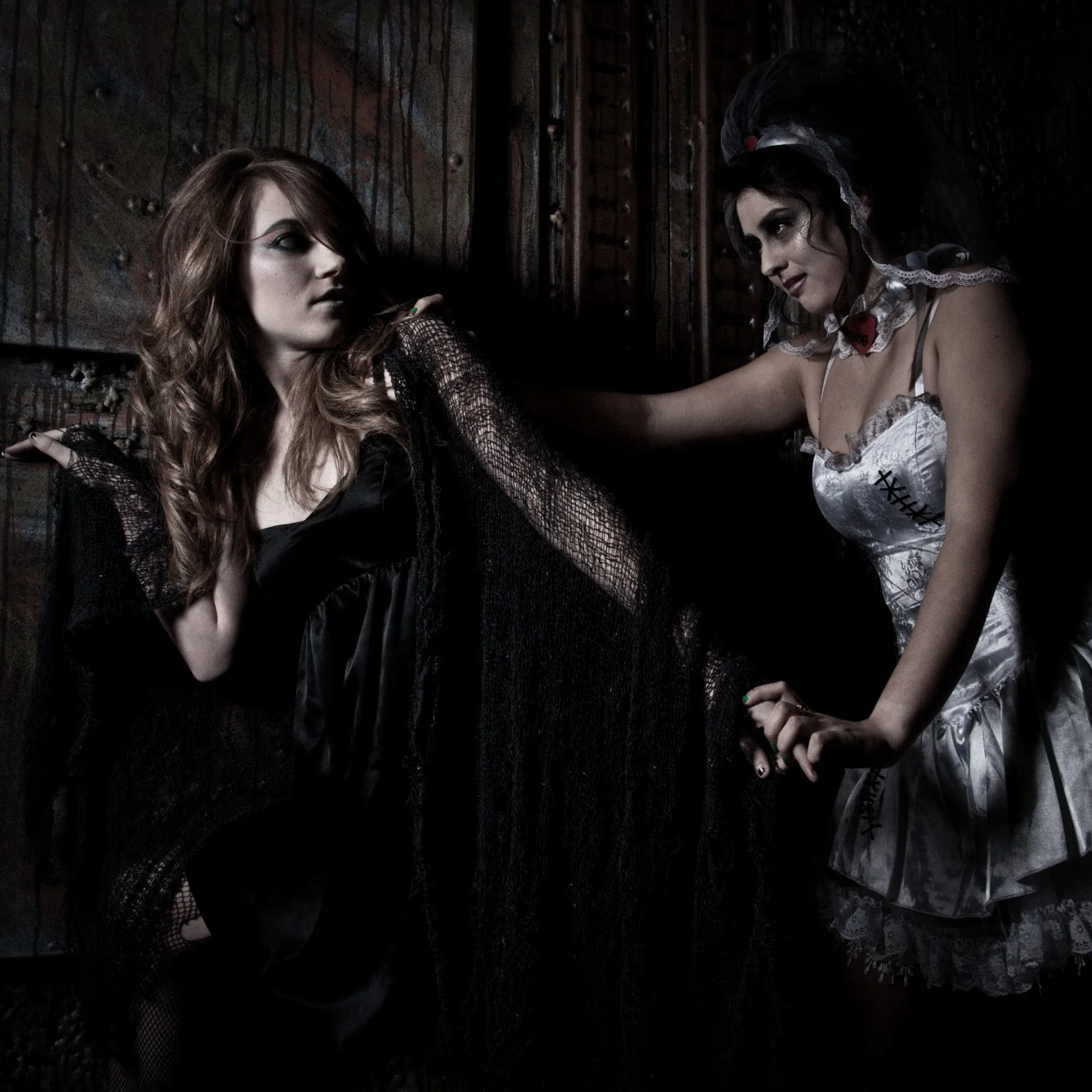
Commissioning a shoot
Tell me what you need. The occasion, the date, and where the pictures will be used.
We agree the plan. Location, timing and deliverables, settled before the day.
I shoot and finish the files. You receive edited, ready-to-use images, not a folder of raw frames.
Want to learn rather than commission? I teach photography one to one, film and digital. See how tutoring works.
Ten years of teaching, and it’s still the best part of the week
Taught on your own files and your own machine, Mac or Windows, at your own pace. The camera and the craft of photography, film or digital, plus Lightroom Classic, Photoshop, InDesign, Illustrator, and the computer they run on. In person in the New York area, or online from anywhere in the world.
Learn photography itself
Not just the software. I teach the camera and the craft, with film or digital, from a first roll of film to a confident digital workflow.
Cameras, film and digital
Aperture, shutter speed, ISO, metering, focus and manual mode, and how each choice shows up in the picture. Film bodies and digital ones, including choosing a camera or lens.
Composition
Framing, perspective, lines, shapes and timing. How to see a scene, and how to edit a shoot down to the pictures that work.
Light
Natural and available light, flash, simple studio setups, and shooting in low light without losing the mood.
Portraits, events and concerts
Working with people, reading a room, and the practical craft of fast, crowded, dimly lit shoots.
Critique and direction
Honest feedback on your own pictures, with assignments to push your work somewhere new.
From camera to finished file
Shooting with editing in mind, a workflow you can trust, and backups so the pictures survive.
Software, editing and retouching
Taught on your own files, in the programs you already have.
Lightroom Classic, since 2007
Importing, culling, editing, and a catalogue that stops becoming chaos.
Photoshop, since 1990
Layers, selections, masking and compositing, and retouching that holds up to a second look.
Editing and retouching
Color, tone and contrast, portrait retouching, and cleanup and repair that still looks natural.
InDesign
Page layout for print: text, grids and styles that stay put.
Illustrator, since 1987
Vector work: logos, lettering and shapes that scale without breaking.
Output
Sizes, color profiles and export settings for web, email and print.
Your Mac or PC
Mac or Windows. Often it’s the same session as the software problem, because usually it is the same problem.
Setup and settings
A new machine set up properly, and the settings nobody ever explained.
File management
Folders, naming and a photo library you can actually find things in.
Backups
Simple, automatic backups, so nothing you care about is lost.
Troubleshooting
Slow machines, full drives, and software that won’t behave.
What actually happens when you book
Tell me what’s stuck. A message, then a short call to check it’s a good fit.
We work on your own files. You bring your files, machine or camera, and if you’d like a record of the session, I can use a smart recorder.
You keep a record. On request I record our conversation with a Plaud smart recorder and send you the generated summary and notes. I don’t record your screen, but you’re welcome to.
Questions
From scattered files to a book on the shelf
InDesign layout, image preparation, cover design and prepress—the details that help ensure the printer can produce the book as intended. I can do it with you, or for you.
Start early
It’s often better to talk before the manuscript is finished. Otherwise the layout gets decided for you by whatever program you happened to write it in.
Logo and identity
Marks, lettering and vector work, drawn in Illustrator. Usually a short, contained job.
The eye that takes the picture is the one that can explain it
I’m D. J. Hacker, a photographer and teacher based in Queens, New York.
I’ve photographed since 2005, with a focus on concerts, portraits and personal projects. I’ve edited in Photoshop since 1990 and drawn in Illustrator since 1987, and I’ve taught photography itself, film and digital, along with Lightroom, Photoshop, InDesign and Illustrator, one to one for ten years.
My background is in film. I studied Film Studies at the University of Rochester, and from 1989 to 2000 I ran an interactive media company making CD-ROMs and interactive presentations. That’s where the layout, imaging and prepress habits come from.
Students find me mostly through Wyzant, where I hold a 5.0 rating from 586 ratings across 1,591 hours of lessons, and through referrals.
Tell me what you’re working on
A shoot, a lesson, a book, a logo, or a question about which one you need. One message is enough to find out whether I’m the right person.
Based in Queens, working in person across New York City, Nassau, Westchester and northern New Jersey, with further travel possible. Online sessions work with students anywhere in the world, across the US, Europe, Asia and Oceania.